Works with any photo
You, your family, your cat, your dog. If it's in a photo, we can turn it into a coloring page.
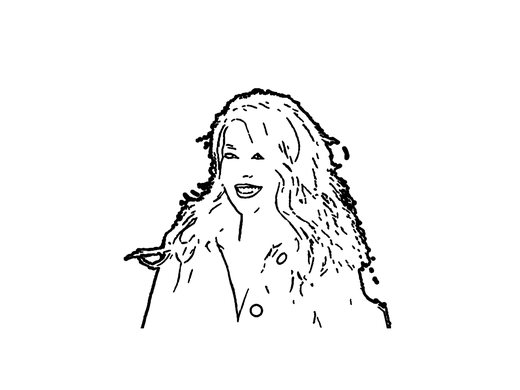
 You
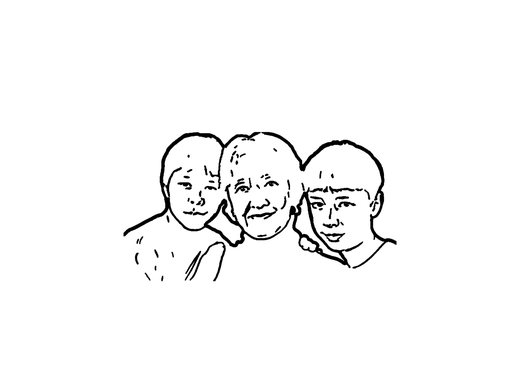
 Your family
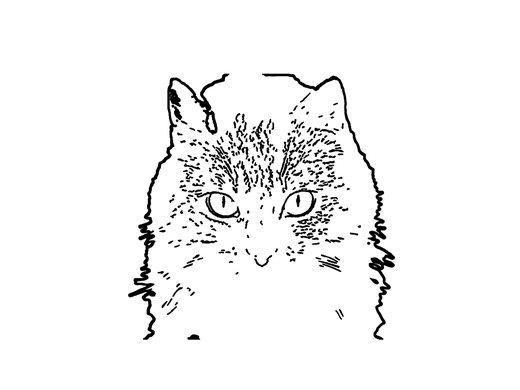
 Your cat
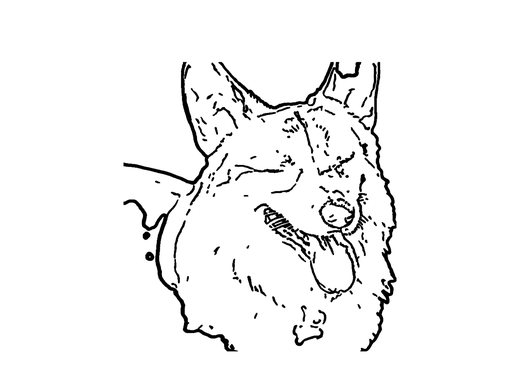
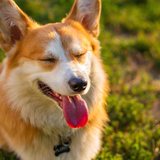 Your dog
Turn any photo of you, your family or your pet into a printable coloring page.
You, your family, your cat, your dog. If it's in a photo, we can turn it into a coloring page.
YouYour familyYour catYour dog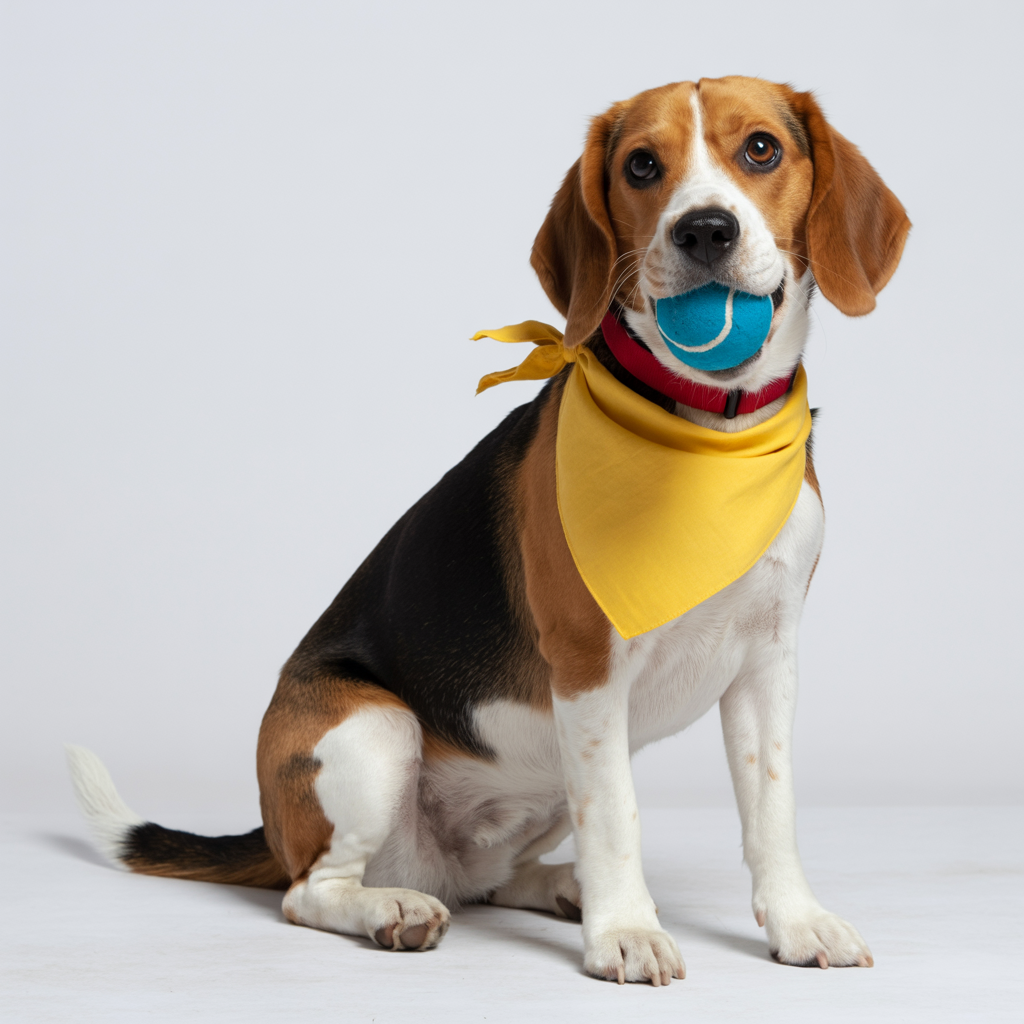
Original
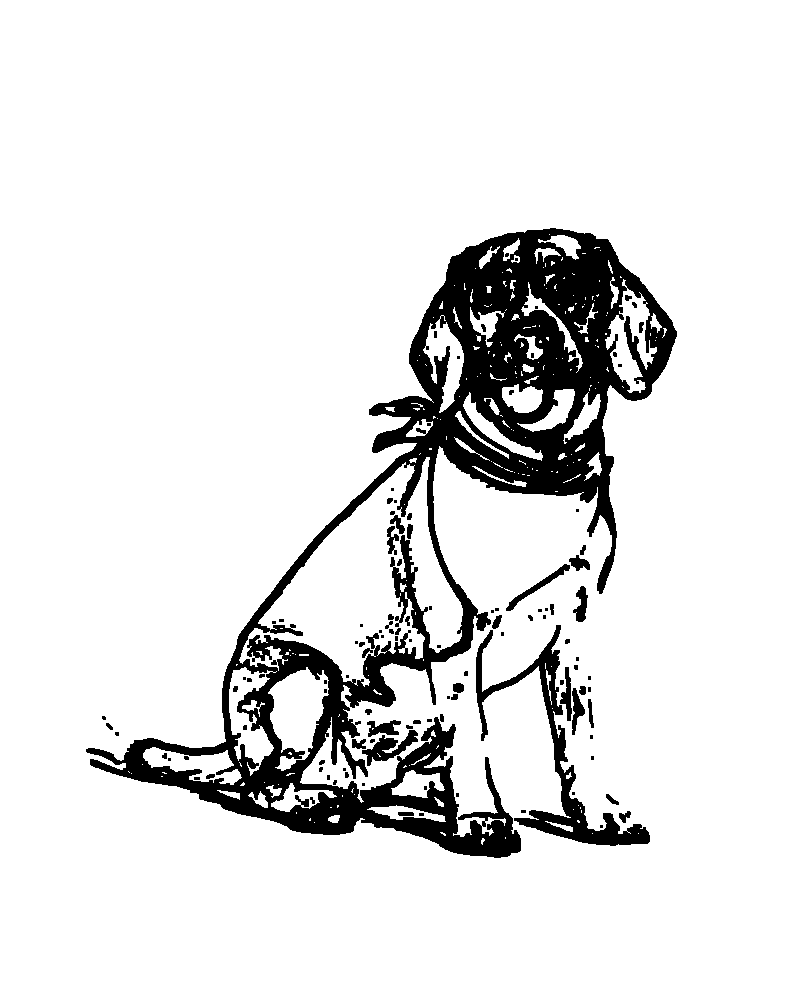
Coloring Page
For best results, use a clear photo where the people or pet fill most of the picture.
JPG, PNG, WebP up to 10MB
Processing your image...
Fill in the information for your coloring page generator.
Full-size, high-resolution file after purchase
Generating your design...
Turn any photo into a printable coloring page with clean outlines, great for kids, parties and gifts. You see a free preview before you pay.
Tap the upload box and choose a photo from your phone or computer. A clear photo of a face, a family or a pet works best.
Pick the line thickness and the amount of detail. Thick lines with medium detail are easiest for kids to colour.
Tap Generate. In a few seconds you see your coloring page as a full preview.
Download your coloring page as a high-resolution file, or order it as a canvas, poster or mug.
Yes. Download the PDF and print it on regular paper. The outlines are black on white, so it prints well on any printer.
A clear photo of one or two faces or a pet, with a simple background. Busy photos make busy pages.
A clear, well-lit photo where the face or pet fills a good part of the picture. Phone photos are fine. Very dark, blurry or tiny photos give weaker results.
Yes. It works with any photo: a portrait, a family picture, a cat or a dog. The examples on this page show all four.
Yes. You upload, choose your options and see a full preview first. You only pay if you want to download the clean, full-size coloring page.
A high-resolution PNG and PDF file of your coloring page without the preview watermark, and you can email it to yourself or share it.