Baby & pregnancy announcements
21 pregnancy announcement ideas using your ultrasound photo
The ultrasound picture is the first photo of your baby, so it's natural to build the announcement around it. Here are 21 ideas that actually work, from a 10-second Instagram post to a reveal the grandparents will talk about for years, plus the wording to go with them.
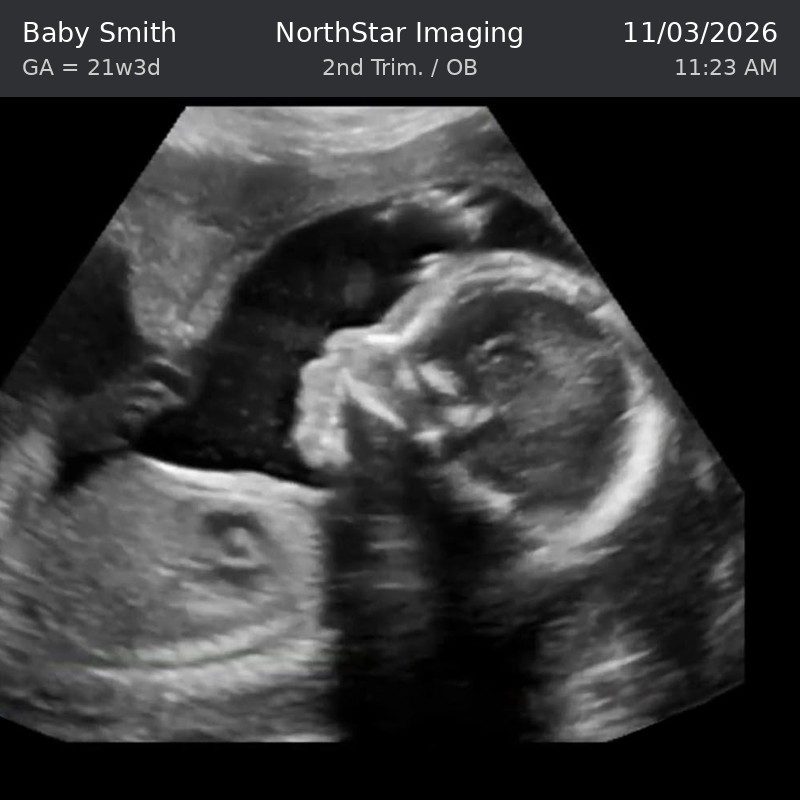
Before the ideas, one practical point. Real scan printouts are small, curled thermal paper, and the picture is often blurry or cut off at the edges. Most of the ideas below work much better with a clean digital image where the header shows the name you want ("Baby Rivera", "Little Bean", "Baby #2") and the date of the big day.
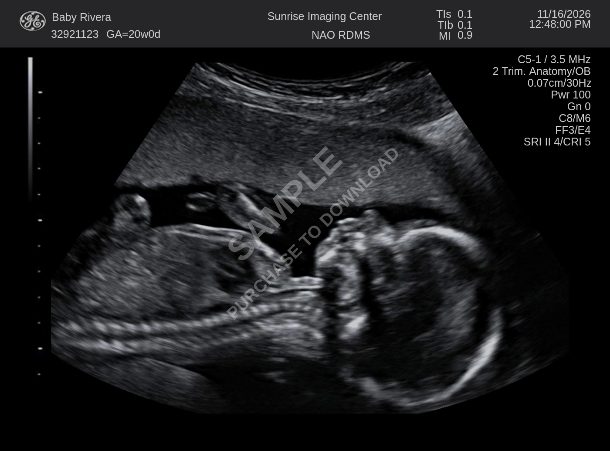
You can get that two ways with the Ultrasound Maker: upload your own scan and add names, dates and text on top, or pick a realistic scan at the week you are at and personalize the header. Either way you end up with a crisp image sized for phones, printing and framing.
Pick your week (3 to 40) or upload your own scan, then add the name, date and text.
Ideas for social media
1. The classic "coming soon" post
The ultrasound in the middle, a pair of tiny shoes on one side and your due month on a letter board on the other. It's popular because it reads instantly in a crowded feed. Put the due month in the ultrasound header too, so the image still makes sense when people share it without your caption.
2. The family line-up
Everyone in the family holds a phone or a print: mom, dad, the big sibling, the dog. The last person in the row holds the ultrasound. Order matters: biggest to smallest gives the "and one more" punchline.
3. Text on the scan itself
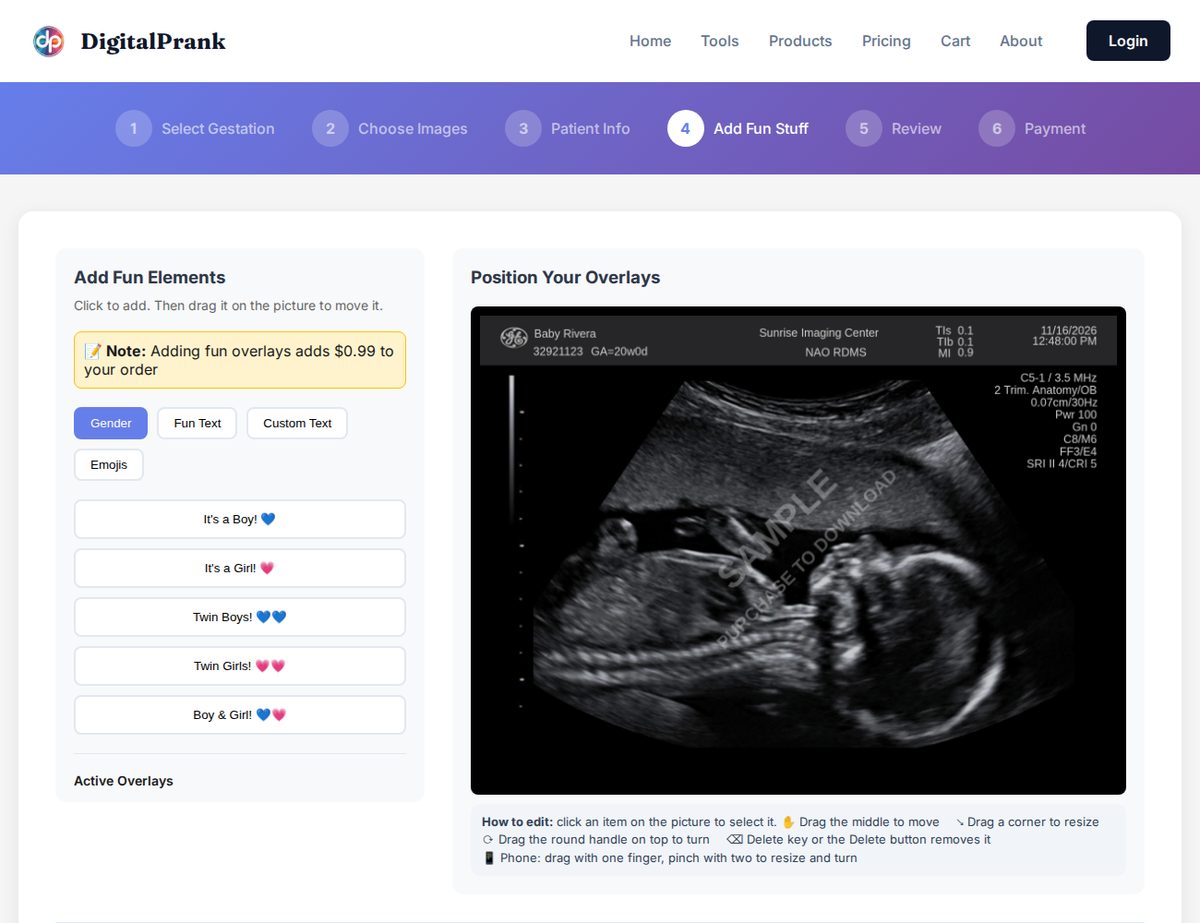
Add one short line right on the image: "Hello world", "Coming May 2027" or "Our best adventure yet". In the Ultrasound Maker this is the Add Fun Stuff step: tap Fun Text or Custom Text, drag it into the dark area of the scan, and it stays readable even as a thumbnail.
4. The carousel reveal
Instagram and Facebook both allow several photos in one post. Slide 1 is a normal couple photo. Slide 2 is the same photo with a slightly bigger belly (or a hand on it). Slide 3 is the ultrasound. People swipe expecting a holiday album and get the news instead.
5. The seasonal frame
Match the post to the season: the scan next to a pumpkin labelled "our little pumpkin" in October, inside a stocking at Christmas, on a beach towel in summer. It dates the announcement nicely when you look back on it.
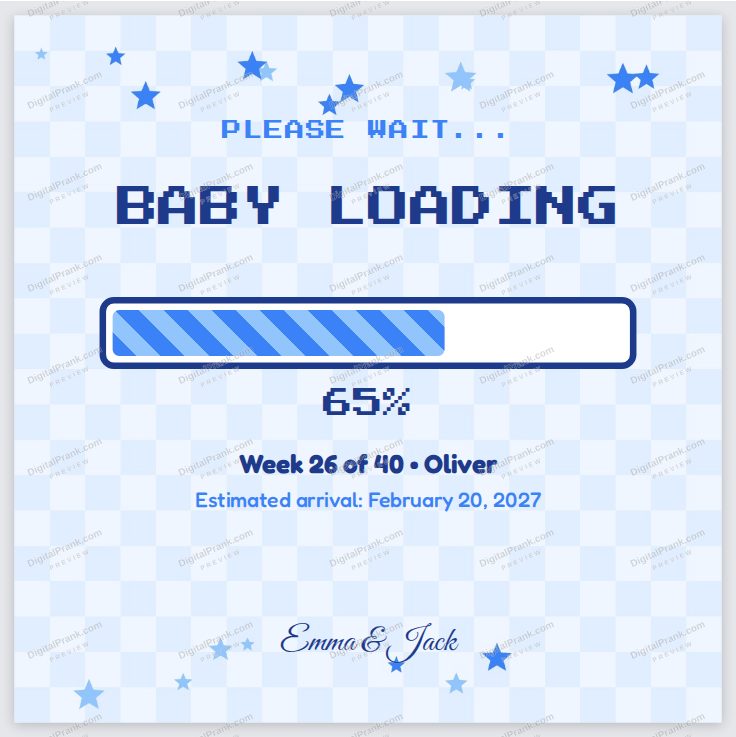
6. The "baby loading" bar
Gamers and tech couples love this one: a progress bar at your current percentage of 40 weeks. The Baby Announcement Cards tool has a ready-made Baby Loading design that works out the percentage from your week.
Ideas for telling family in person
7. The framed photo gift
Wrap a frame with the ultrasound inside and hand it over like any other present. Grandparents tend to stare at it for a few seconds before it clicks, which is exactly the moment you want on video.
8. The card inside a card
A birthday or holiday card with the scan tucked inside. Works well when the family get-together already has gifts, so nobody suspects a thing.
9. The "Promoted to Grandma" certificate
A formal certificate announcing a promotion, signed by "the new boss". We cover this one, and four other grandparent reveals, in how to tell your parents you're pregnant.
10. The fridge photo swap
Swap one of the photos on your parents' fridge with the ultrasound and wait. It can take minutes or hours, so keep a phone ready or ask a sibling to film.
11. The phone slideshow
"Want to see our holiday photos?" Ten beach pictures, then the ultrasound. Simple, and it works with relatives who live far away over a video call.
12. The mug
Serve coffee in a mug printed with the scan and "Grandpa est. 2027". On the Review step of the Ultrasound Maker you can order your finished image printed on a mug, a poster or a canvas, delivered to your door.
Ideas for siblings and partners
13. The "Big Sister" or "Big Brother" reveal
Older kids love being part of the news. Print the scan, put it in an envelope addressed to them, and let them be the one who opens it and tells the grandparents.
14. The partner reveal
If your partner doesn't know yet, the ultrasound can be the surprise itself: inside a takeaway box, in a gift bag, or as the phone wallpaper. More options in how to tell your partner you're pregnant.
15. The pet announcement
Your dog "announces" the news: the scan on its collar or a sign reading "I'm being promoted to big brother". A guaranteed favourite on social media.
Printables and keepsakes
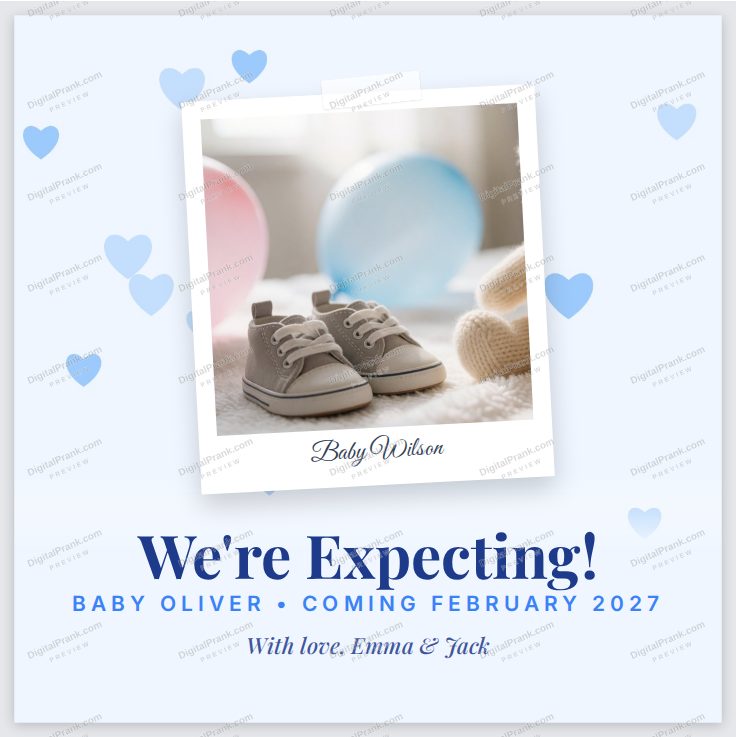
16. The "We're expecting" card
A square card with the scan in a Polaroid-style frame, your names and the due month. Text it, post it, or print it as a postcard. The We're Expecting design in the announcement cards lets you upload your ultrasound into the frame.
17. The countdown card
A card that counts the days to the due date. Post a new one every month and your followers get a running update.
18. The 3-scan strip
Three scans side by side, like a real printout: early, middle and the latest. The Ultrasound Maker can make a 3-image strip, which looks great framed in a long, narrow frame above the crib.
19. The canvas for the nursery
A large canvas of the scan with the baby's name, ordered straight from the Review step. It becomes part of the nursery and a keepsake later.
Ideas when it's more than "we're pregnant"
20. The gender reveal on the scan
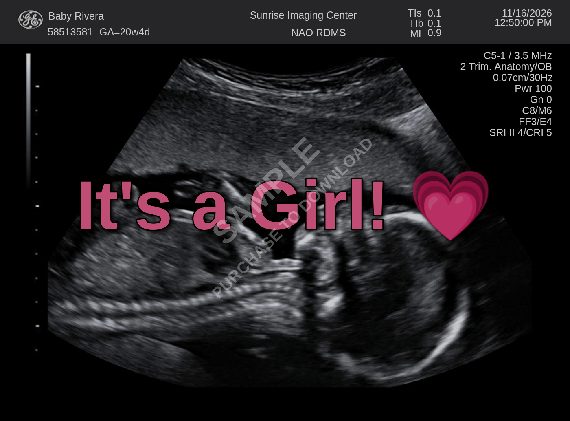
"It's a Girl!" written across the ultrasound in pink, or "It's a Boy!" in blue. The Ultrasound Maker has these as one-tap overlays, along with Twin Boys, Twin Girls and Boy & Girl. See the gender reveal ideas.
21. The twins surprise
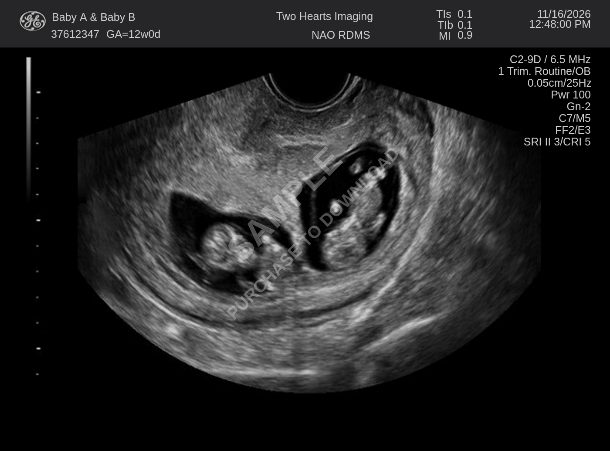
Post a scan where you can count two babies and let people work it out. Our twin announcement guide has wording ideas and a step-by-step for the twins scans.
Wording ideas to go with the photo
- "Our family is growing by two feet. Coming May 2027."
- "Plot twist: we're going to be outnumbered." (for a second or third baby)
- "Baby Rivera, arriving spring 2027. Our hearts are already full."
- "We've been keeping a little secret."
- "Officially upgrading from dog parents to parents."
- "Ready or not, here they come." (twins)
How to make the ultrasound for your announcement
The short version is below. For a full walkthrough, including what a scan looks like at each week, see how to make an ultrasound picture online.
- Pick a week, or upload your own scan. Open the Ultrasound Maker and choose Single Fetus, Twins or Special Views, then the week (from 3 to 40). Weeks 12 to 20 show the clearest baby shape. Or tap Upload Your Own to use your real scan.
- Personalize the header. Type the name you want to show, the clinic or place, the date and the time. The preview updates as you type, and you can change the date format (MM/DD/YYYY, DD/MM/YYYY and more).
- Add text or emojis (optional). "It's a Boy!", "Coming 2027", hearts. Drag, resize and turn them on the picture.
- Review and download. You get a high-resolution image for posts and printing. You can also order it on a canvas, poster or mug from the same page.
Free to try: the preview updates live before you pay anything.