How to use the Halftone Dots Generator
Turn any photo into halftone dot art, the dotted look of old newspapers and comic printing. You see a free preview before you pay.
Open the Halftone Dots Generator →
Step by step
- Upload a photo
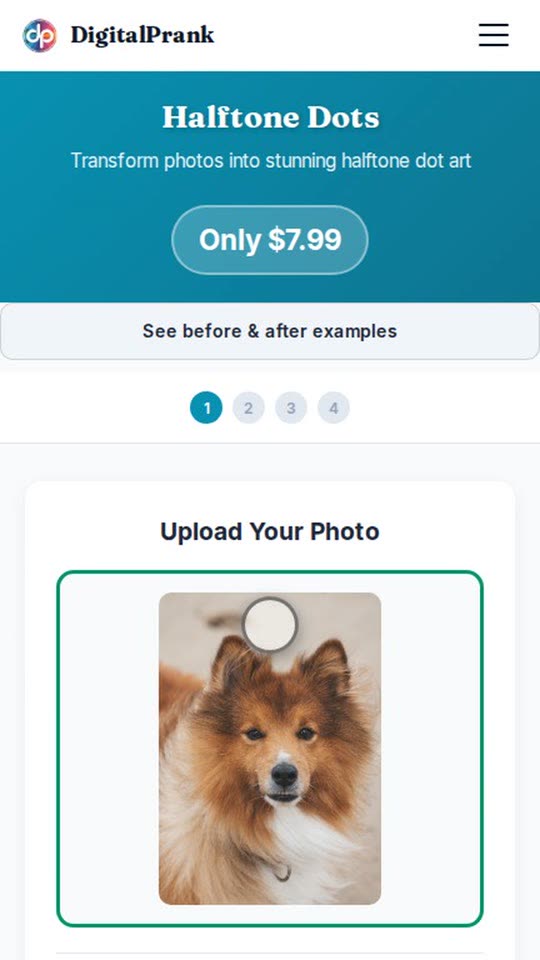
Tap the upload box and choose a photo from your phone or computer. A clear photo of a face, a family or a pet works best. - Choose the halftone settings
Pick the effect type, the dot size and the colour. Bigger dots give a bolder pop look; smaller dots keep more detail. - Generate and preview
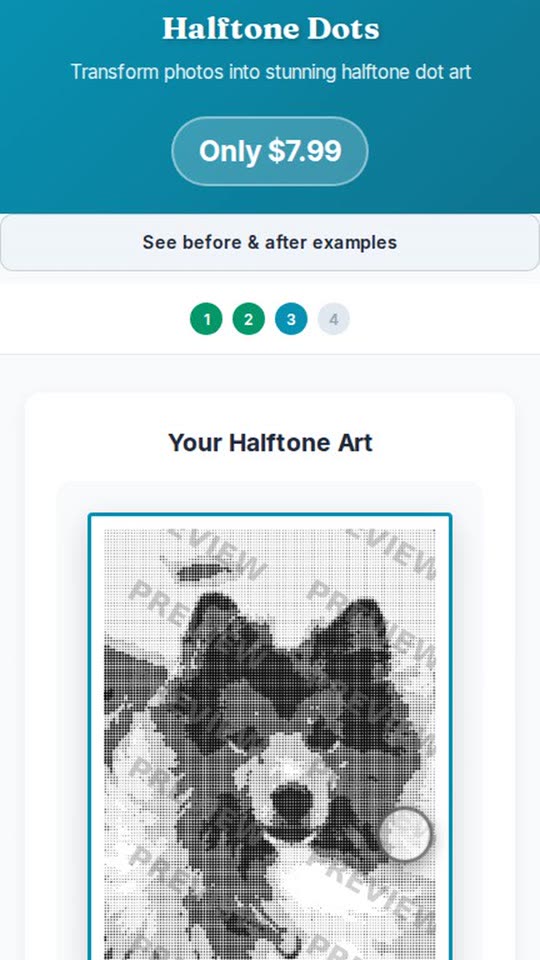
Tap Generate. In a few seconds you see your halftone art as a full preview. - Download
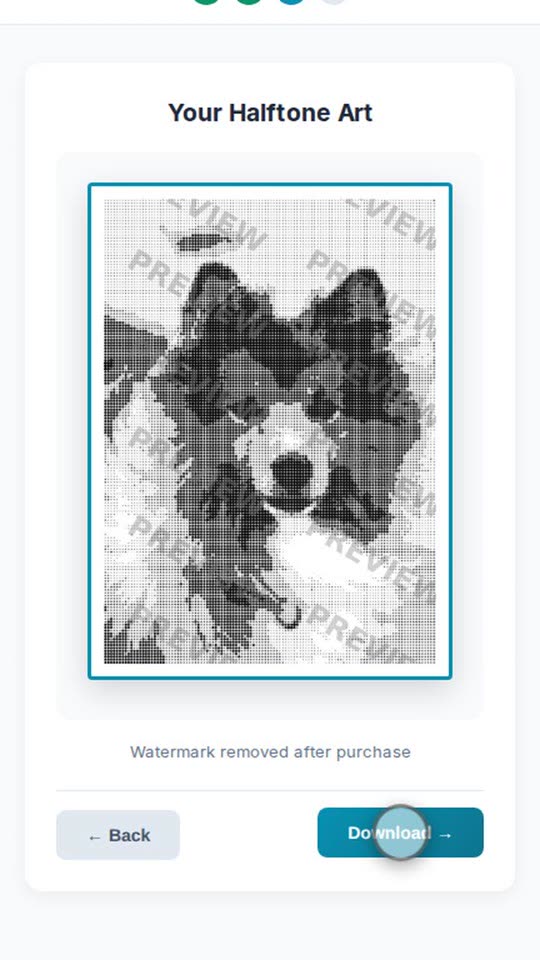
Download your halftone art as a high-resolution file, or order it as a canvas, poster or mug.