How to use the Embroidery Pattern Generator
Turn any photo into an embroidery pattern with a set number of thread colours and the stitch style you choose. You see a free preview before you pay.
Open the Embroidery Pattern Generator →
Step by step
- Upload a photo
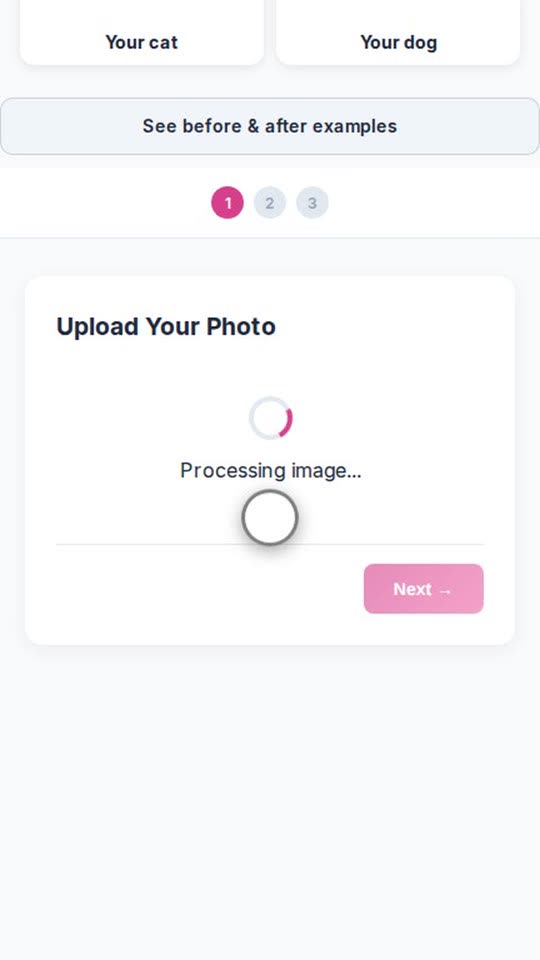
Tap the upload box and choose a photo from your phone or computer. A clear photo of a face, a family or a pet works best. - Choose the pattern options
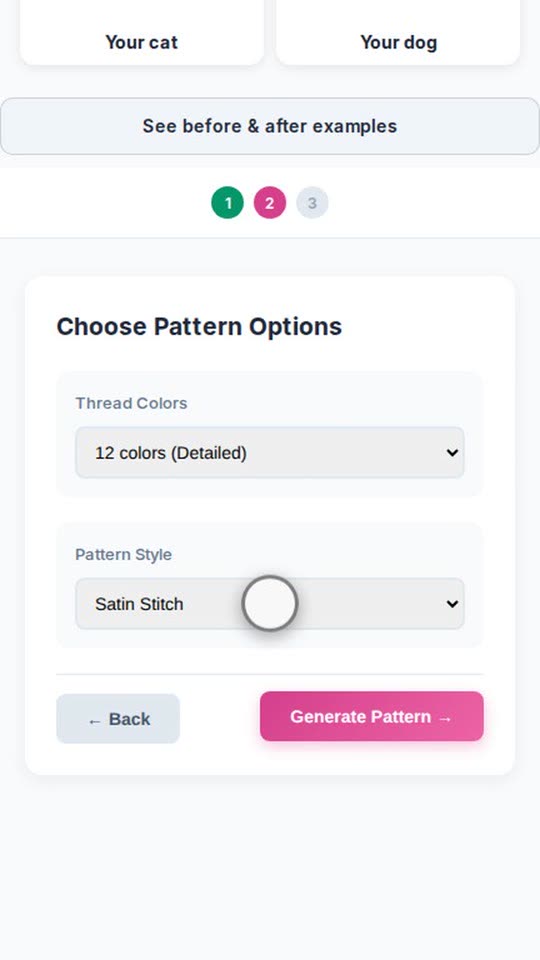
Pick the number of thread colours and the pattern style, then generate. - Generate and preview
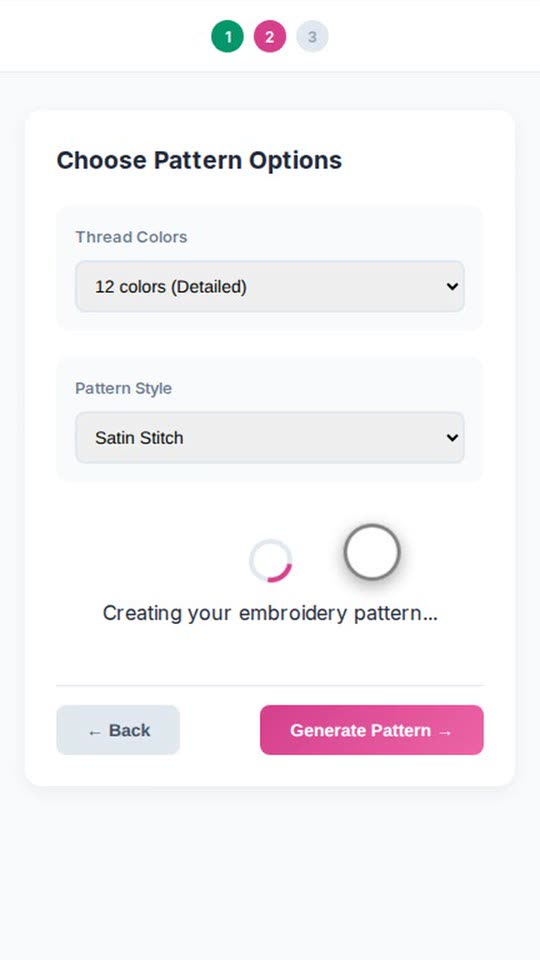
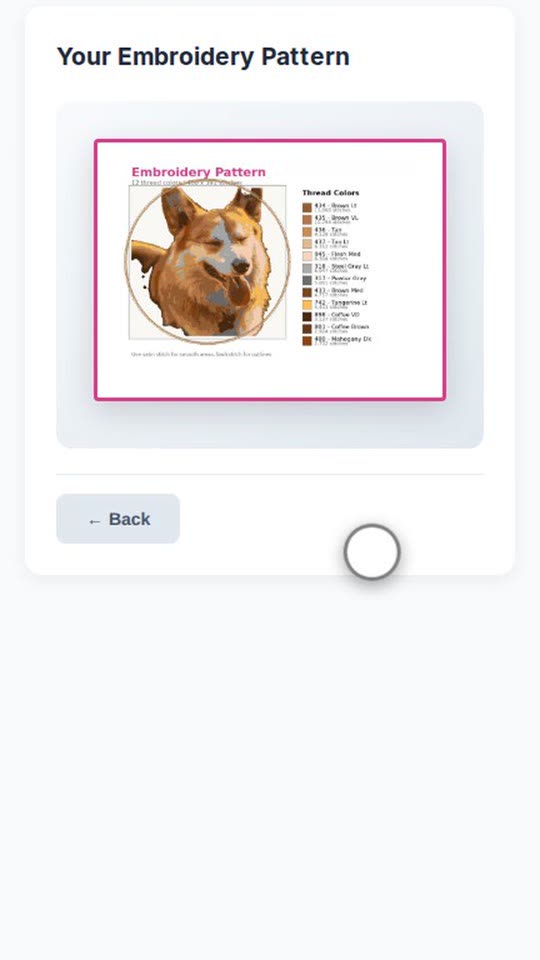
Tap Generate. In a few seconds you see your embroidery pattern as a full preview. - Download
Download your embroidery pattern as a high-resolution file.