Works with any photo
You, your family, your cat, your dog. If it's in a photo, we can turn it into a cross-stitch pattern.
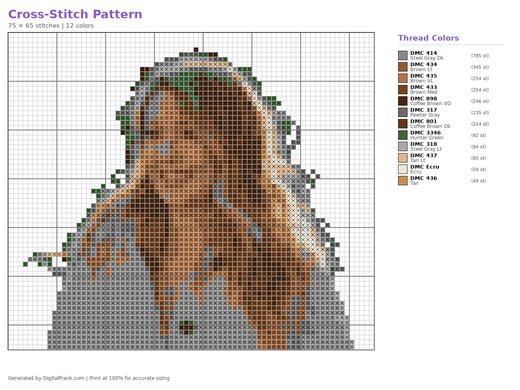
 You
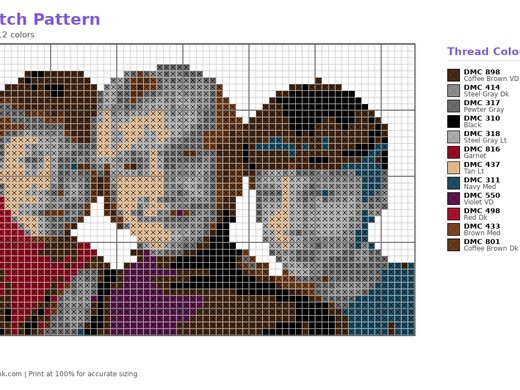
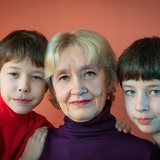 Your family
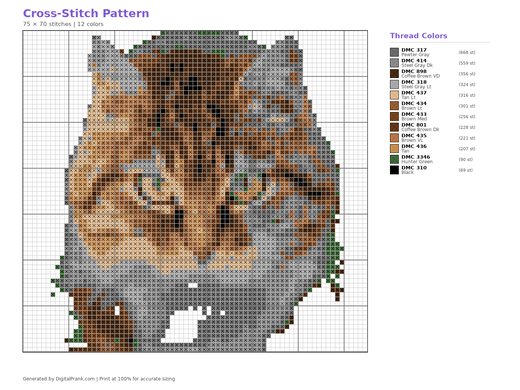
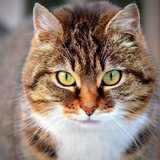 Your cat
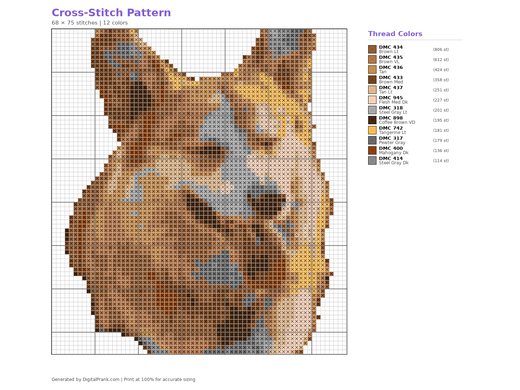
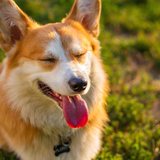 Your dog
Turn any photo of you, your family or your pet into a cross-stitch pattern, ready to stitch.
You, your family, your cat, your dog. If it's in a photo, we can turn it into a cross-stitch pattern.
YouYour familyYour catYour dogFor best results, use a clear photo where the people or pet fill most of the picture.
JPG, PNG, WebP up to 10MB
Processing your image...
Fill in the information for your cross-stitch pattern.
Full-size, high-resolution file after purchase
Generating your design...
Turn any photo into a printable cross-stitch pattern with a grid and a limited set of thread colours. You see a free preview before you pay.
Tap the upload box and choose a photo from your phone or computer. A clear photo of a face, a family or a pet works best.
Pick the grid size and the number of thread colours. Fewer colours and a smaller grid are quicker to stitch; more give more detail.
Tap Generate. In a few seconds you see your cross-stitch pattern as a full preview.
Download your cross-stitch pattern as a high-resolution file.
Yes. Download the pattern and print it, then follow the grid square by square. Start with fewer colours if you are new to cross-stitch.
A clear, well-lit photo where the face or pet fills a good part of the picture. Phone photos are fine. Very dark, blurry or tiny photos give weaker results.
Yes. It works with any photo: a portrait, a family picture, a cat or a dog. The examples on this page show all four.
Yes. You upload, choose your options and see a full preview first. You only pay if you want to download the clean, full-size cross-stitch pattern.
A high-resolution PNG and PDF file of your cross-stitch pattern without the preview watermark, and you can email it to yourself or share it.